How to Stop Email Spoofing Attacks Before They Reach You
Email is an important way to communicate for both work and personal reasons, but it is also a common target for cyber threats. Email spoofing is one of the most common risks. In this method, a malicious actor changes the sender's identity to make it look like the message came from a trusted source. You can use these fake emails to steal private information, spread malware, or commit fraud. It's important to understand how email spoofing works and how to protect yourself to keep your identity safe and your communications secure.
1. Understand How Email Spoofing Works
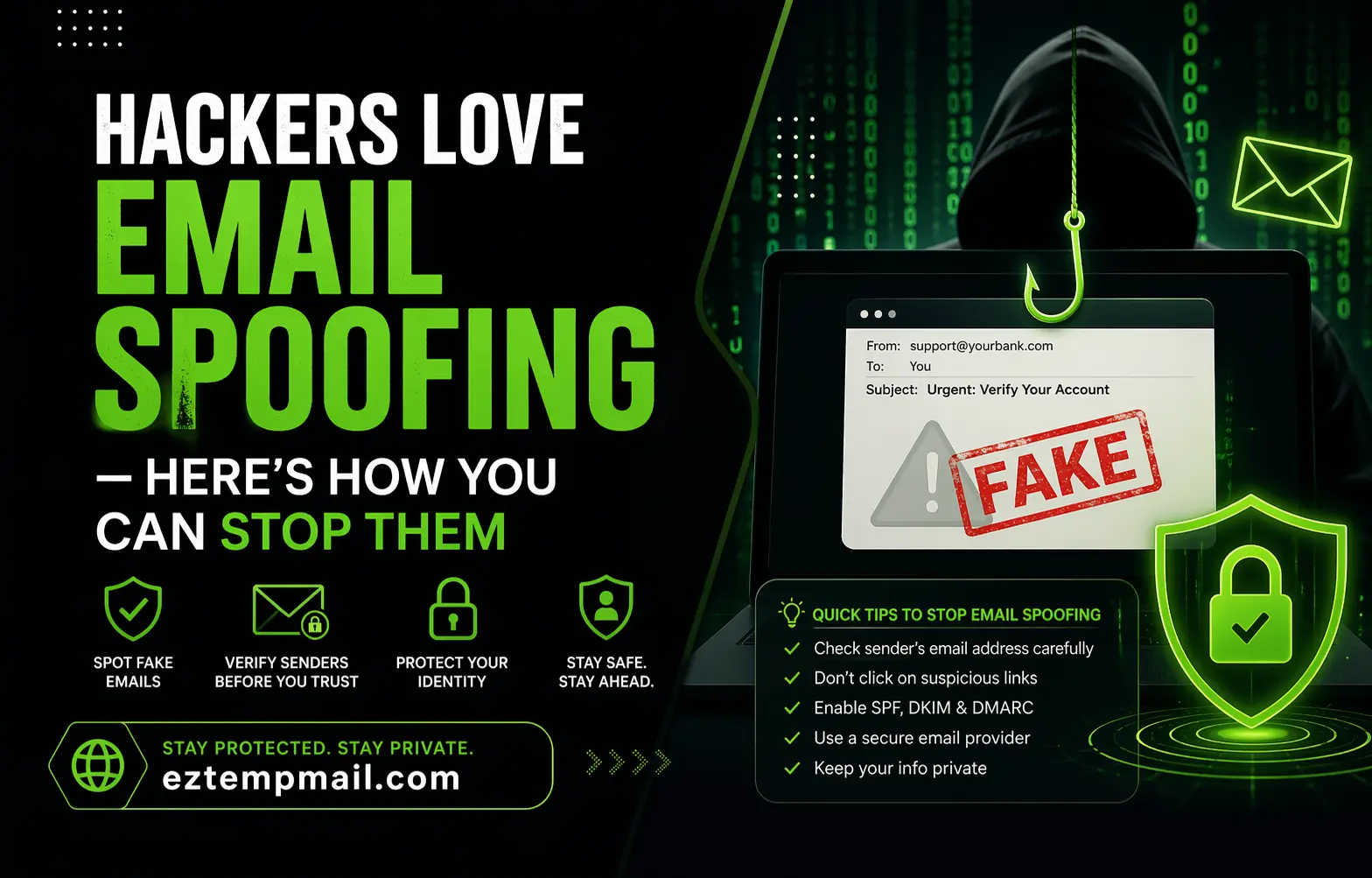
It's important to know how email spoofing works to stop it. Spoofers change the information in the email header, especially the "From" field, so that it looks like the message came from a real sender. This can make people think the email is real and do things that could hurt them, like sharing private information or clicking on hazardous links.
2. Watch for Suspicious Emails
One of the best ways to protect yourself from spoofing is to be aware of it. Be careful when you get emails that ask for personal or financial information without warning, demand immediate action, or have strange grammar and spelling mistakes. Look closely at the sender's email address. Small mistakes or changes could mean that the message is fake.
3. Verify the Sender’s Identity
Make sure the person who sent you an email is real before you respond or share sensitive information. Verify the sender's email address, phone number, or other contact information against reliable sources, like an official website or a communication channel that has been verified before. If you need to, use a different method to get in touch with the person or organization to make sure the email is real.
4. Enable SPF and DKIM
Sender Policy Framework (SPF) and DomainKeys Identified Mail (DKIM) are two important email authentication protocols that help stop spoofing.
- SPF allows receiving mail servers to confirm that an email was sent from an authorized server.
- DKIM adds a digital signature to verify that the message content has not been altered and that it came from an approved sender.
Companies should turn on both SPF and DKIM for their domains and make sure that their mail servers can check these records.
5. Implement DMARC
DMARC, or Domain-based Message Authentication, Reporting, and Conformance, improves email security by building on SPF and DKIM. It lets domain owners tell receiving servers what to do with messages that don't pass authentication checks. The policy determines whether suspicious-looking emails are monitored, quarantined, or completely discarded. Using DMARC can greatly lower the chances of fake emails getting to their intended recipients.
6. Educate Employees and Users
Learning is an important part of keeping your email safe. People and groups should keep up with the latest phishing and spoofing methods so they can spot potential threats more easily. Companies should regularly teach their employees how to spot suspicious emails, check the identities of senders, and follow company rules when dealing with sensitive information.
7. Use Email Filters and Anti-Spam Tools
Advanced email filters and anti-spam software can help find and stop fake messages before they get to users' inboxes. These tools look at patterns in messages, the reputation of the sender, and other signs to find suspicious activity. Keep your filtering tools and anti-spam systems up to date and set up correctly to keep your protection strong.
8. Be Careful with Links and Attachments
Spoofed emails frequently contain links or attachments designed to steal your credentials or infect your devices with malware. Don't click on links or download attachments unless you are sure the email is real. When you look at a link, move your mouse over it to see where it goes. Instead, go to the website manually through your browser if anything seems off.
9. Choose Secure Email Services
Using an email service that is safe and encrypted can make it harder for people to read or change your messages. Reputable providers have strong security features like encryption, spam protection, and account monitoring. If you want more privacy, look for platforms that offer end-to-end encryption and other advanced security features.
10. Keep Devices and Software Secure
To lower the risks of email spoofing, it is important to have strong device security. Keep your operating system, email programs, web browsers, and antivirus software up to date with the latest security patches. Whenever you can, don't use unsecured public Wi-Fi networks to access sensitive accounts. Instead, use firewalls, make strong, unique passwords, and avoid doing so.
Email spoofing is a big cybersecurity risk that can put personal information, business operations, and digital trust at risk. You can greatly lower your chances of becoming a target by learning how spoofing works and following best practices like checking senders, turning on SPF, DKIM, and DMARC, using security tools, and being on the lookout for suspicious content. To keep your identity safe and make online communication safer, you need to take a proactive approach to email security.

